


Your pipeline depends on your connectors — the employees whose relationships power every warm introduction your sales team makes. Every bit of friction in their dashboard is a rated relationship you don't get, an intro you don't make, a deal that goes cold.
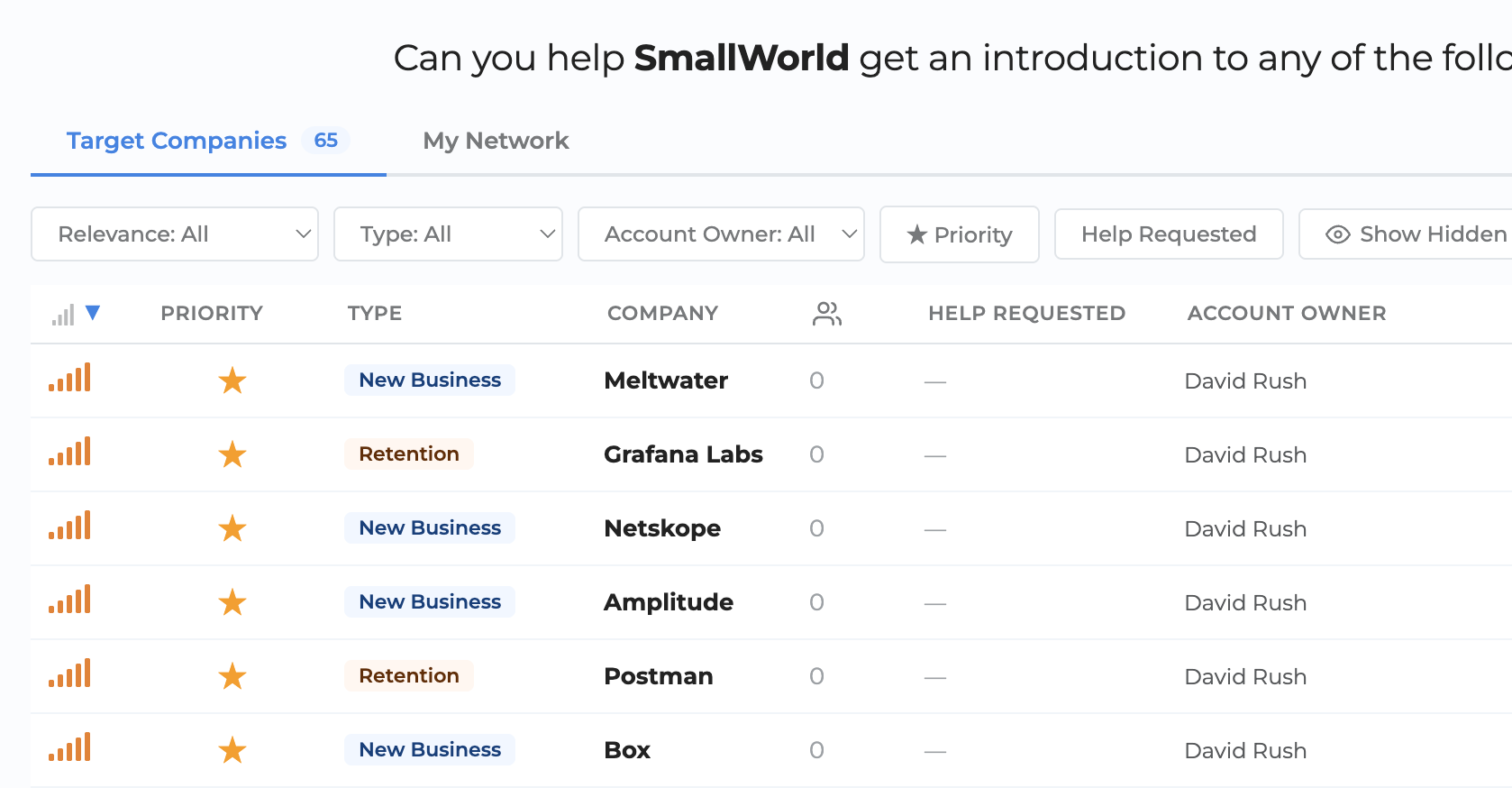
Today we're shipping a completely redesigned Connector Dashboard to remove that friction. Your connectors will see more at a glance, act in fewer clicks, and — because the dashboard re-prioritizes as they work — finish a session knowing they spent their time on what matters most.
Rating used to mean a click, a modal, and a save. Now it's one click on an inline five-emoji scale. As connectors rate, the list re-prioritizes live — unrated people at target companies surface to the top, rated people drop down. It works like a task list that gets shorter as they go.
Offer Help and Offer Intro are inline on every row. Open help requests from sales are surfaced prominently so connectors can respond in two clicks.
Every row shows the signals that matter: priority, deal type, ICP match, help requested, and more. A relevance indicator combines them into a single "where you matter most right now" score, and it's the default sort on both tabs.
Two focused tabs replace the old cards:
Fully responsive. Connectors can rate, offer help, and send intros from their phone between meetings.
A new Share button turns "who do you know at X?" from an email chain into a link.
The new Connector Dashboard is live for every account. Your connectors will see it on their next visit. Encourage them to spend five minutes in it — then check back in a week and watch your rated relationship count climb.
Questions? support@smallworld.ai


We are SOC 2 Type II
compliant for security.